Building a DOS Theme for Hugo
This post documents the process of creating a text-mode Hugo theme from scratch - no Bootstrap, no npm, just Hugo and SCSS.
Design Decisions
The key insight was that a DOS text-mode interface is actually simpler than modern web design. No gradients, no rounded corners, no subtle shadows. Just:
- A fixed-width monospace font
- A 16-color palette
- Box-drawing borders (single and double)
- Drop shadows made of solid color blocks
The CGA Palette
The entire theme uses only 16 colors from the original CGA adapter:
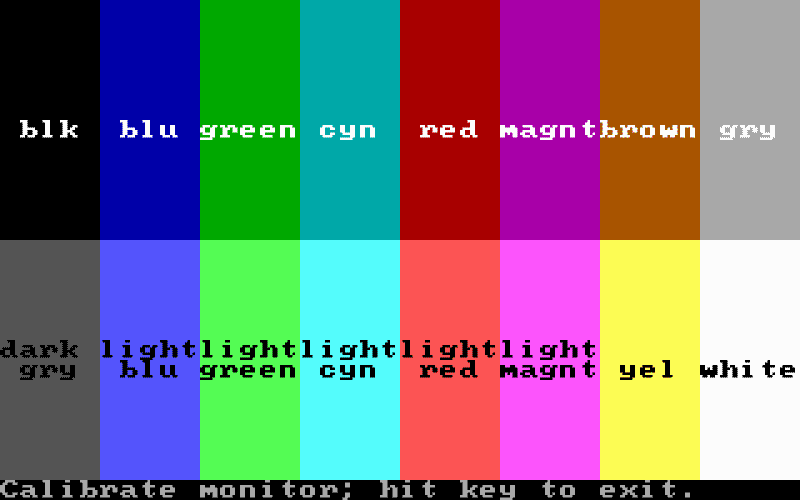
These 16 colors were enough to create every DOS interface you remember.
CSS Tricks
Box Shadows for Depth
In DOS, windows had a “shadow” on the right and bottom edges. We achieve this with CSS:
.dos-window {
  border: 6px double white;
  box-shadow: 10px 10px black;
}
The Blink Effect
The original text-decoration: blink is deprecated, so we use CSS animations:
@keyframes blink {
  0%, 49% { visibility: visible; }
  50%, 100% { visibility: hidden; }
}
Buttons with Decorators
The iconic < Button > uses pseudo-elements:
.btn::before { content: "< "; }
.btn::after  { content: " >"; }
Progressive Enhancement
The theme works without JavaScript. When JS is available, you get:
Screenshot Gallery
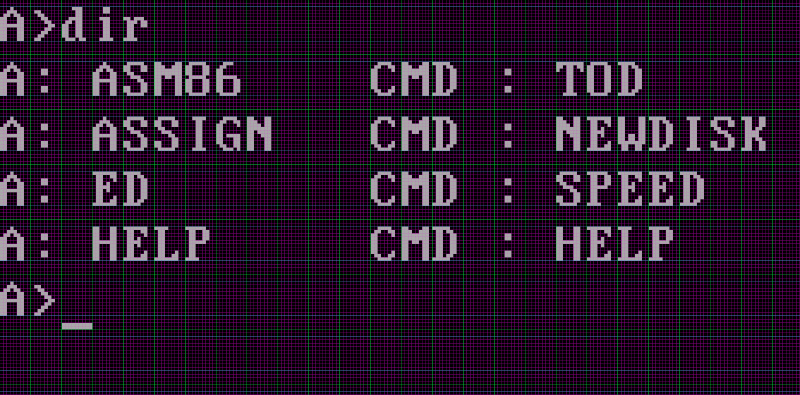
Here are some interfaces that inspired this theme:
What’s Next
Future plans include:
- CRT scanline effect via CSS background patterns
- More color schemes (Commodore 64, ZX Spectrum)
- Progressive JS enhancements
- Text browser compatibility
- Color scheme picker
640K ought to be enough for anybody. - Misattributed to Bill Gates